Worldbuilding overview
What building a world involves, and the order it happens in.
Coming soon
This page describes something that is coming to the app, not something you can do in it today. See more on the page What's live now.
You can build the worlds you play in, and while it takes longer than playing one, it takes less than you think, because the app walks you through it one screen at a time and saves as you go.
The order is fixed
A scenario needs characters and characters need a world, so the chain only goes one way:
- Make a world
- Add characters to it
- Add places, if you want them (optional: a world is playable without them)
- Write a scenario that uses them
You cannot start at the scenario, because if you open Create and choose a character, a place or a scenario, the app first asks which world it belongs to, and with no worlds it tells you to make one.
Create
Choose what you want to create
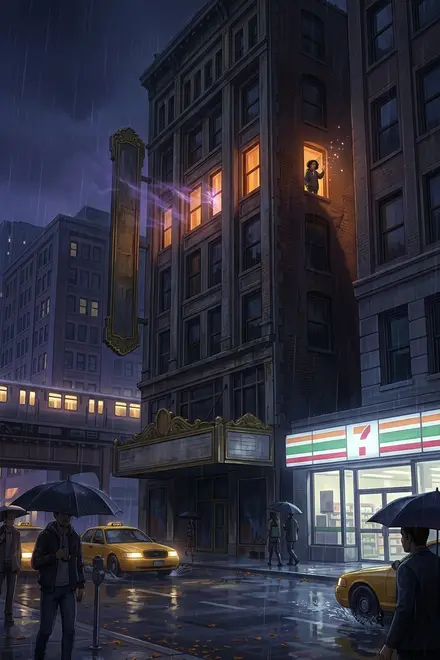
World
Create a setting for your scenarios, complete with characters and locations.
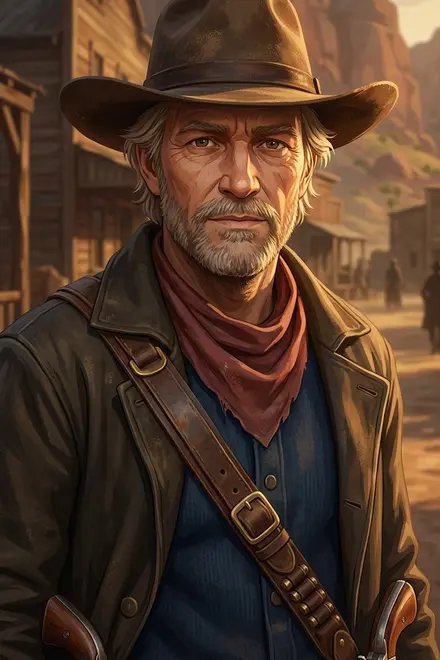
Character
Add characters to your worlds to enrich your stories and make every adventure feel alive.
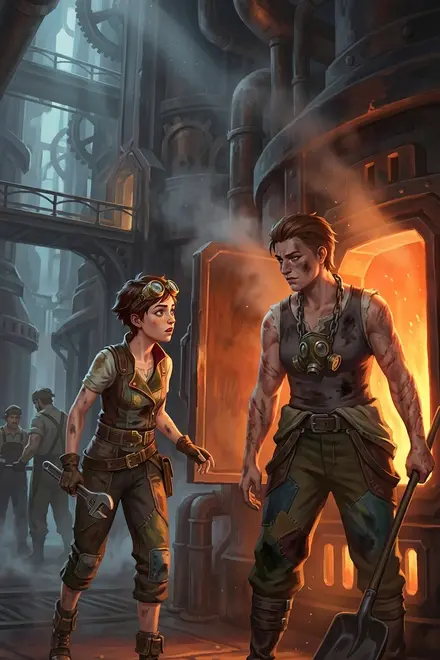
Place
Make your worlds richer and more immersive by including detailed locations.
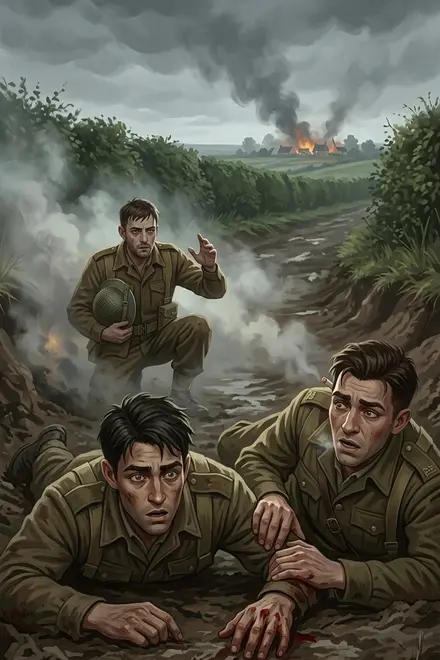
Scenario
Craft a captivating story for fellow players to explore.
K
KeyQlin
Early Access@keyqlin
Joined Mar 2025
Incomplete
Fantasy
 Narratica
New World
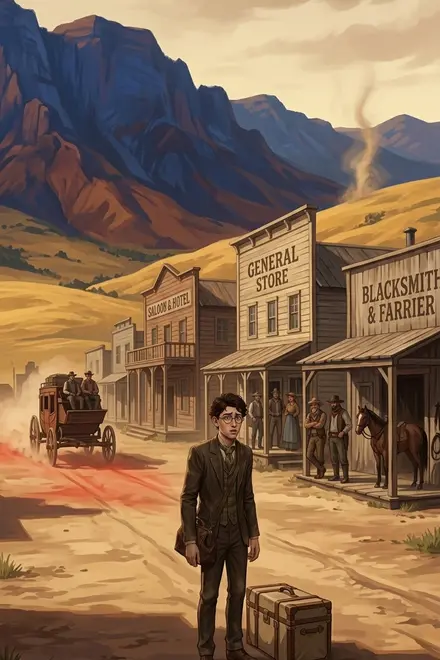
Western
NarraticaThe Redvale Valley
Dust, cattle, and the law of the Winchester
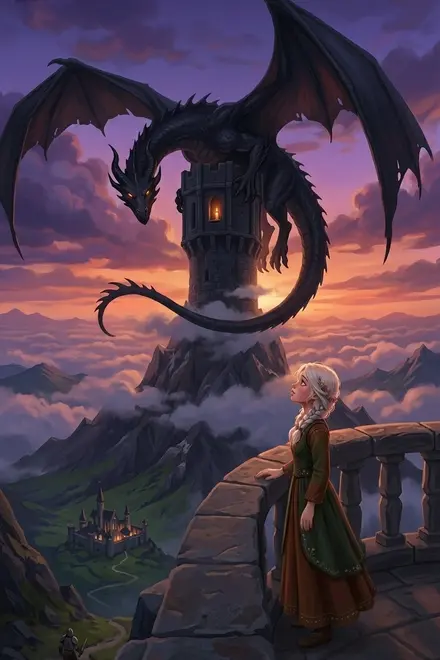
Fantasy
NarraticaKingdom Of Elves
Kingdom with cruel king
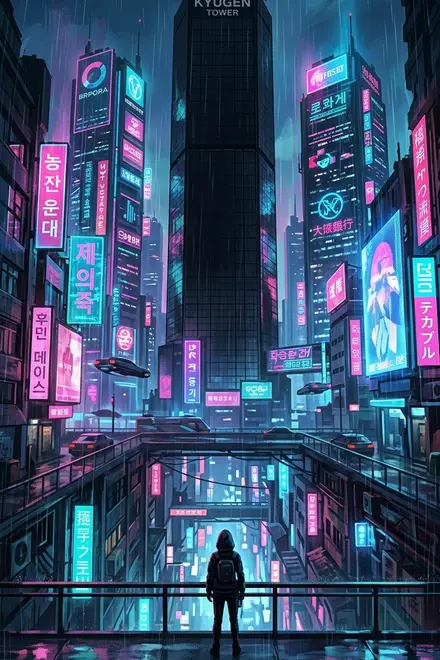
Cyberpunk
NarraticaBlack Glass
Everyone is selling someone
Home
Stories
Discover
Profile
Everything you make is on your Profile under four tabs: worlds, scenarios, characters and places. A world, character or place card tagged Incomplete still has fields to fill, and a world or scenario tagged Unplayable cannot start a story yet. Tap the card to open it and finish it.
How the wizards work
Worlds, characters, places and scenarios are all made the same way.
One question per screen
Each screen asks for one field, with a title and a hint, and Step 3 of 6 in the corner says where you are. The first screen asks for the minimum: a name for a world, a character or a place, and a title for a scenario. The character wizard asks for the character's name and title together on its first screen.
Saved as you go
The first screen creates the thing, and from then on it exists, private and incomplete, with every screen after it saving when you continue. If you close the app halfway through, you will find it on your Profile, tagged Incomplete (or Unplayable for a scenario), ready to finish.
Fill in later
Every screen after the first has a Fill in later button, and skipping a screen is fine, because the thing simply stays incomplete until the field is filled and the edit screen tells you which ones are missing.
The victory screen
Finishing ends on a short screen that says what to do next. If you filled in everything, a world says Your world is born! and offers the next steps: Add a character, Add a place and Add a scenario. A finished scenario that can be played offers Start playing. If you skipped something, the screen says A great start! and offers a button to finish it, such as Finalize your world.
The edit screen
Every world, character, place and scenario has an edit screen, which is one long page with all its fields, the cover image and a Path to playable checklist at the top. Fields save on their own as you type. The checklist lists what is still missing, and tapping a row takes you to it, even when the row is about another thing, like Finalize character: Clara.
The definition is the field the AI reads
Every world, character and place has a definition, and apart from names and a character's title, it is the only text of theirs the AI reads. The subtitle, the description and the image are for the players who browse, while the definition is for the story. See more on the page How it fits together.
The team's own worlds are written with this in mind: their descriptions read like the back of a book, while their definitions read like instructions to a narrator and start with the words You narrate. Do the same: write the description for people and the definition for the AI.
What "finished" means
Two words come up on every edit screen, and they mean different things.
Complete means that one thing has all of its own fields filled in, so a world with a name, a subtitle, a setting, a description, a definition and a cover image is complete.
Playable means that a story can start, and only worlds and scenarios can be playable, because it takes a whole chain: a complete scenario in a complete world, whose protagonists are all complete. See more on the page Path to playable.
Private and public
Everything you build is private
Only you can see it and play it. Publishing a world so others can play it is not in the app yet. Coming soon See more on the page Private and public.
Building a world
The world wizard, one screen at a time.
Characters and places
Filling a world with people and locations.
Writing scenarios
Turning a world into something someone can play, and how to write a prologue.
Path to playable
The checklist on every edit screen: what each row means, and what complete and playable are.
How is this guide?
Last updated on September 27, 2026